Create a Module
Add adventure modules to your campaign.
What is a Module?
A module is a self-contained adventure:
- “The Goblin Hideout”
- “Dragon’s Lair”
- “The Haunted Manor”
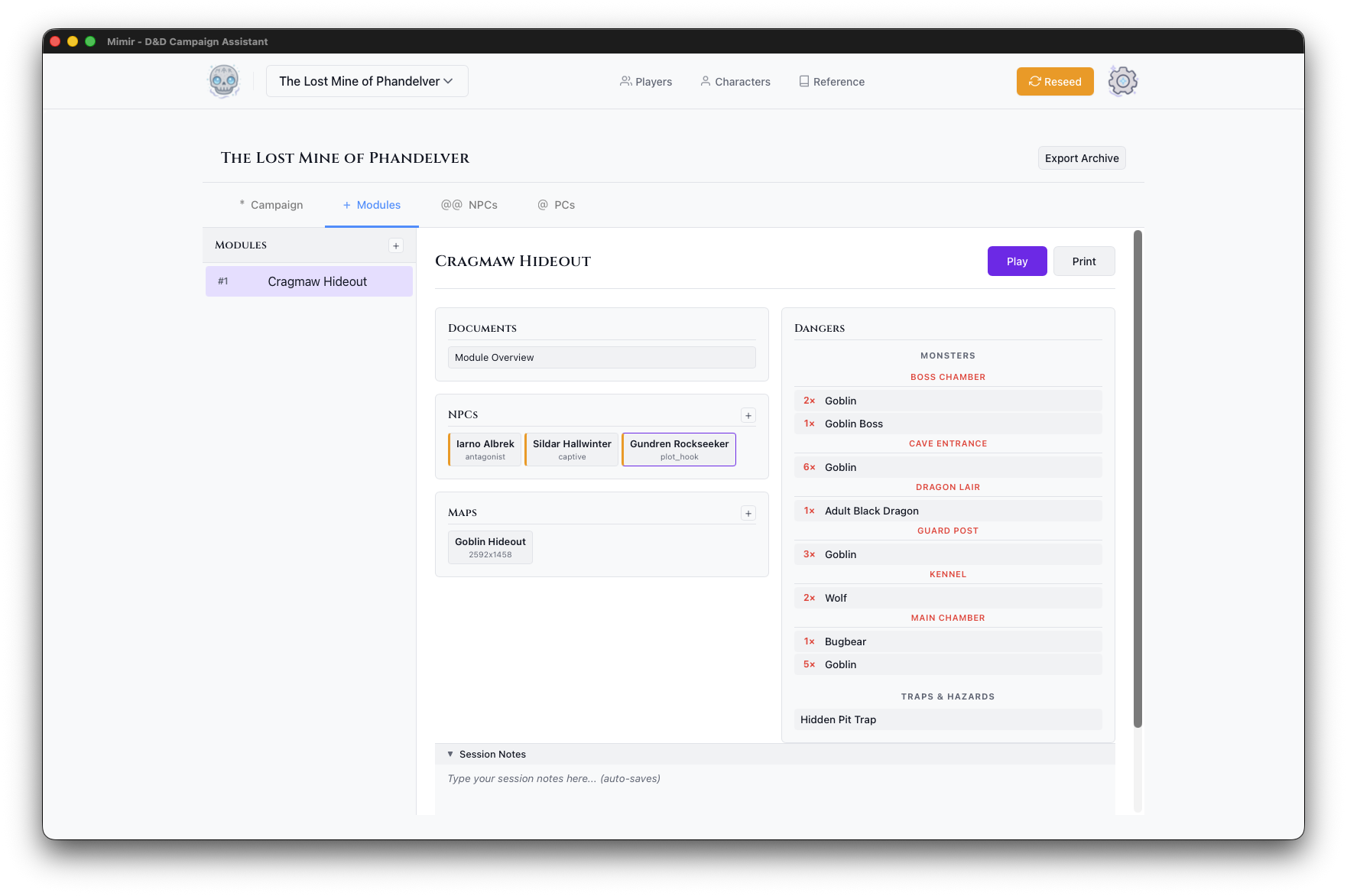
Each module has its own maps, monsters, NPCs, and documents.
Steps
- Open your campaign dashboard
- Go to the Modules tab
- Click the + button
- Fill in the module details:
- Module Name - Descriptive title for the adventure
- Module Type - Select type (Standard Adventure, Mystery, Dungeon Crawl, Heist, Horror, Political Intrigue)
- Description (optional) - Notes about the module
- Click Create Module
After Creation
Your new module appears in the module list. Select it to see its dashboard with Play, PDF, and Delete buttons.
Organizing Modules
Modules are numbered in creation order:
- Module 1: “Cragmaw Hideout”
- Module 2: “Cragmaw Castle”
- Module 3: “Wave Echo Cave”
Use descriptive names to identify content.
Tips
- Create one module per dungeon or major location
- Break large adventures into multiple modules
- Start with your first session’s content
- Add more modules as players progress